Use L’Entailleur’s local features without the quantity limits imposed by the former free edition. Your data stays on your phone: no cloud services are included.
Web and cloud, with a subscription
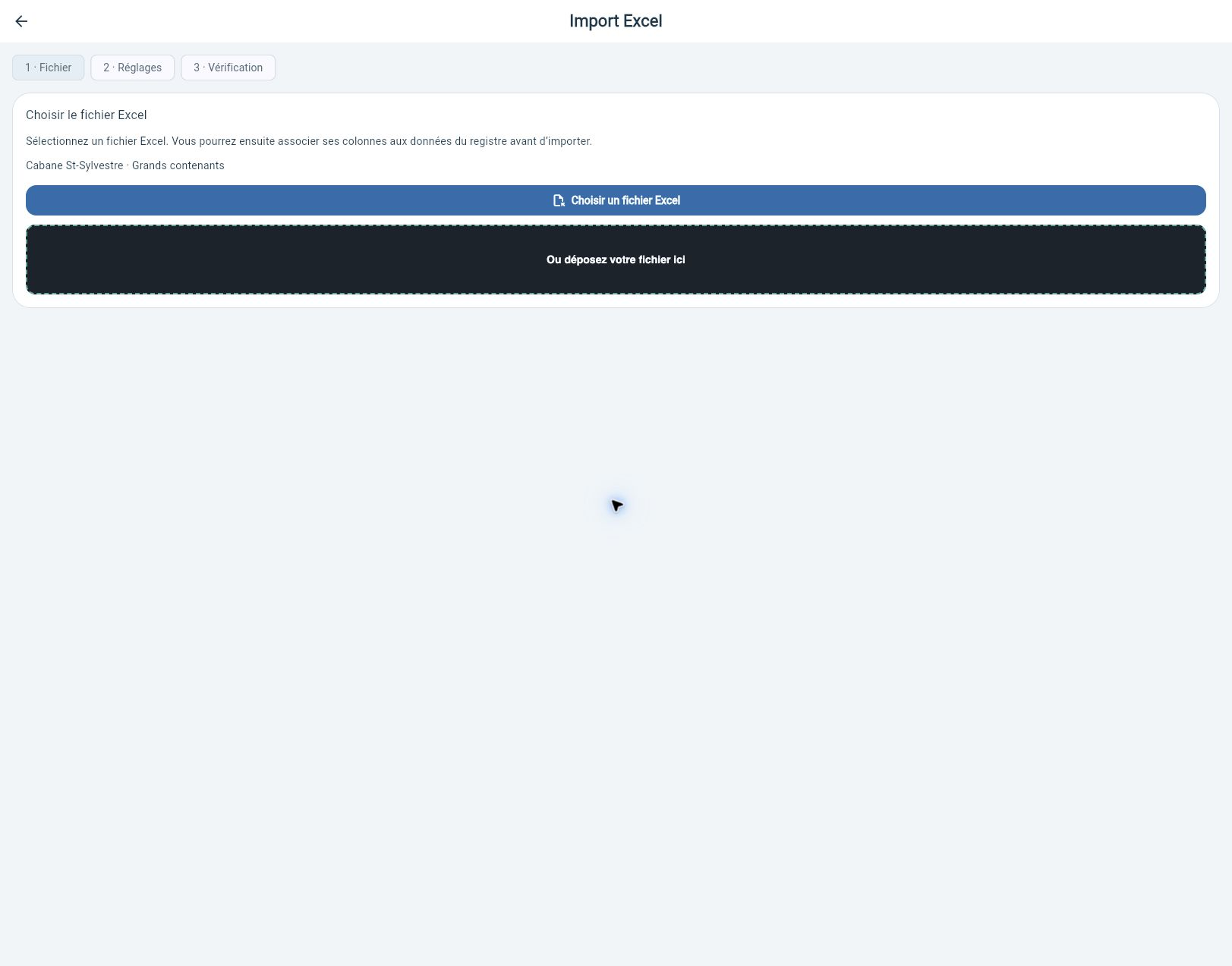
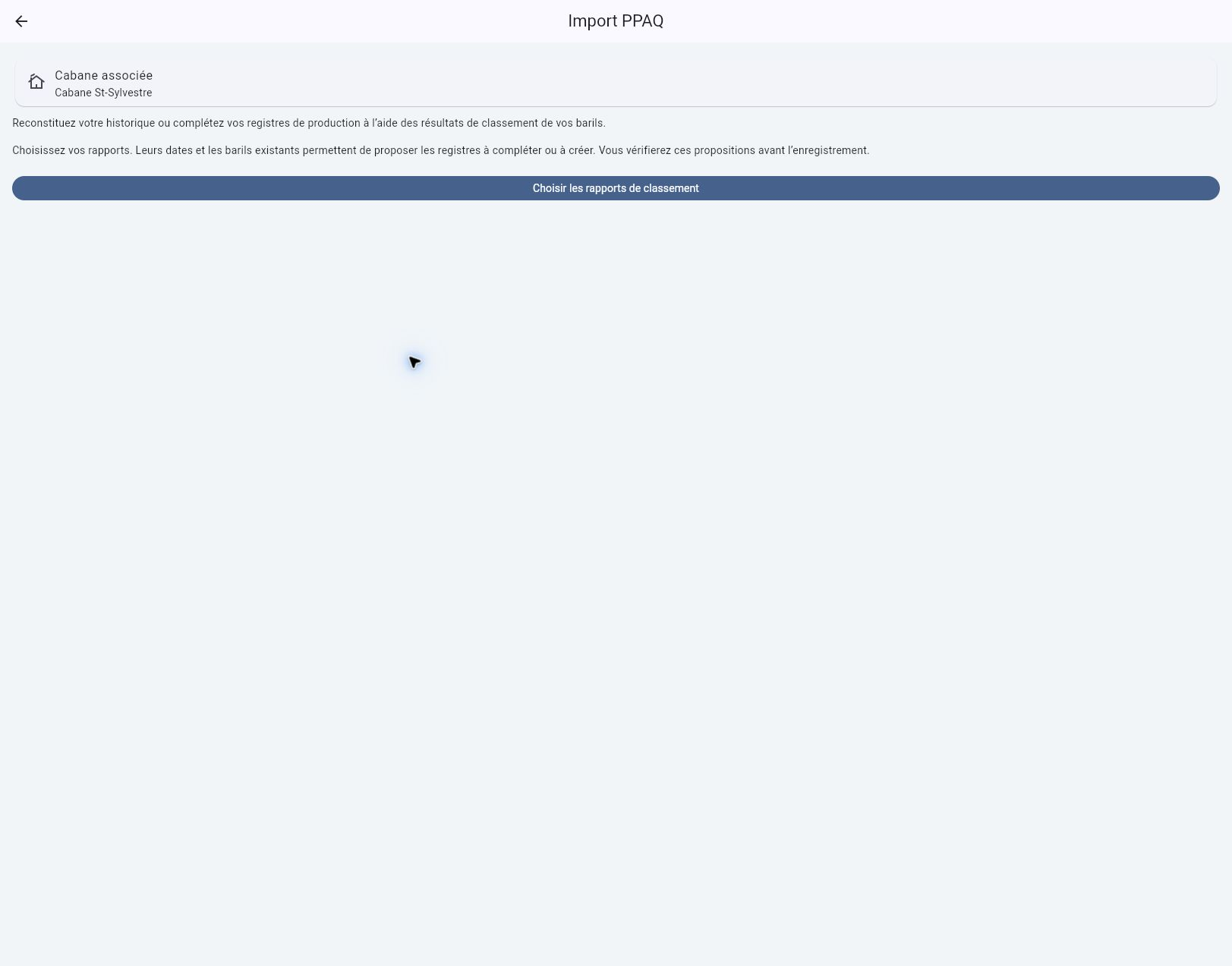
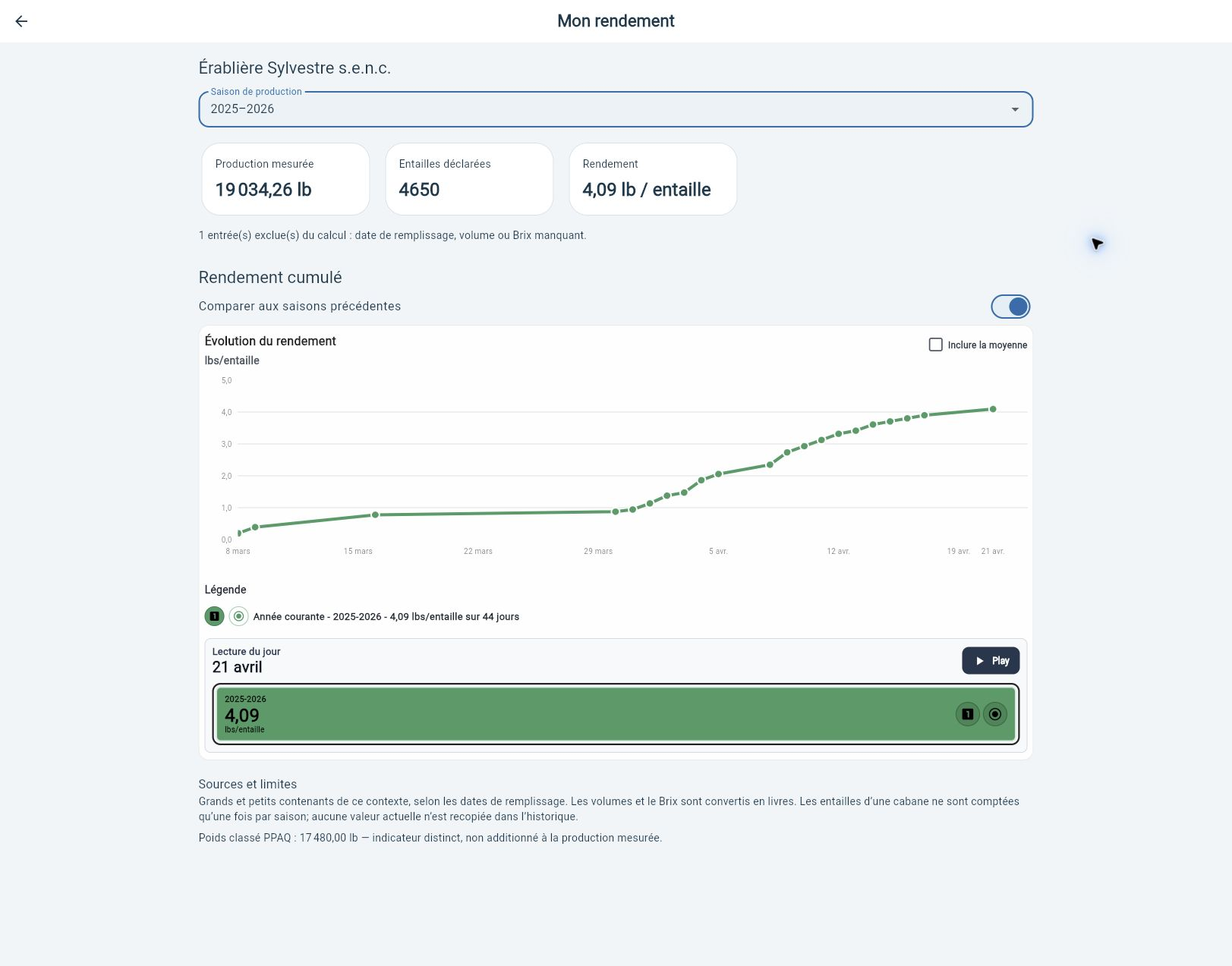
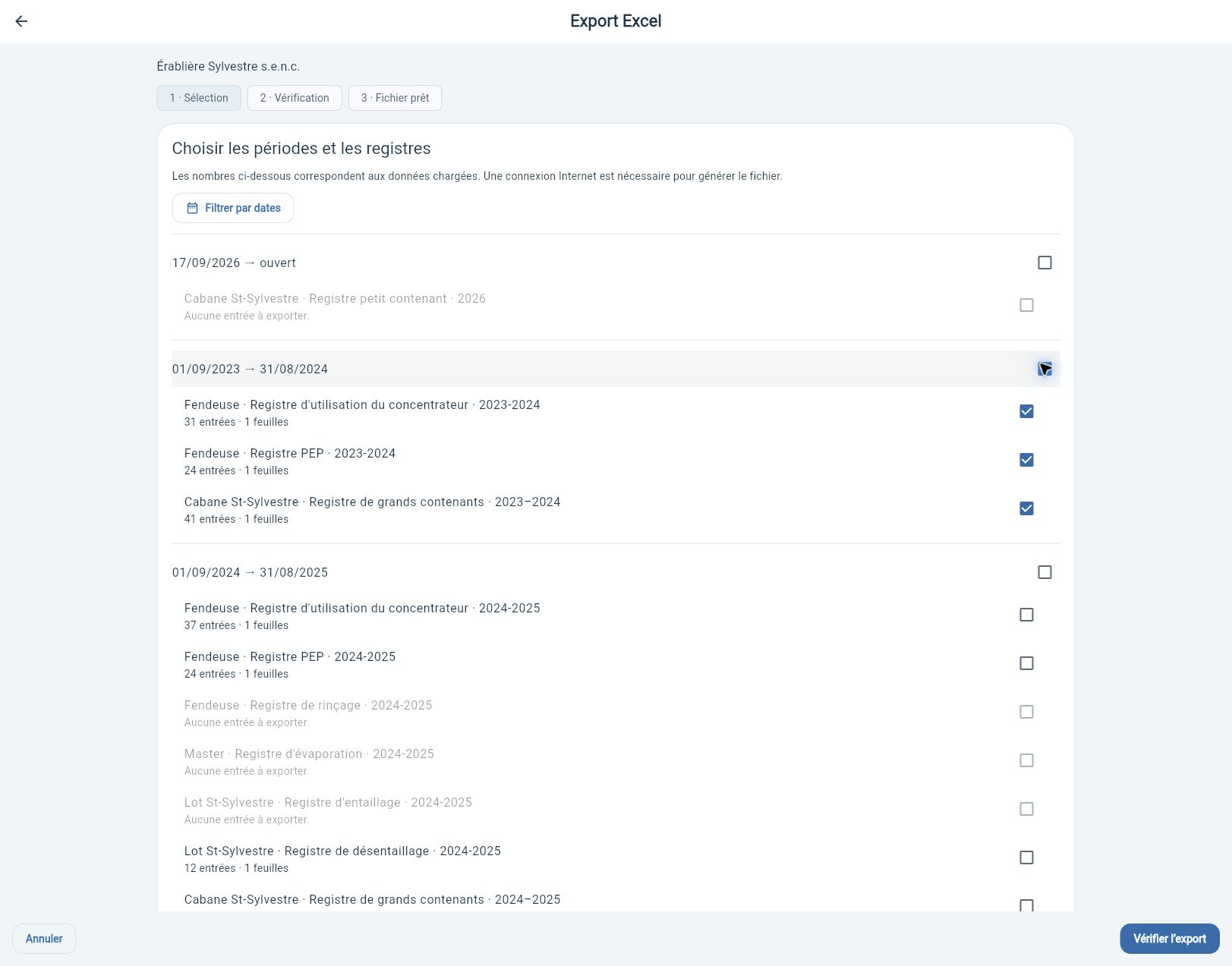
A subscription provides access to the Web app, cloud synchronization, member sharing and connected services, including Excel and PPAQ imports on the Web and public lot data retrieval. Local features have no creation quotas.
Upcoming features retain their timelines: inclusion in a plan does not mean they have already shipped.
01 / Start with your places
One familiar structure, everywhere.
Choose your business, sugar shack or woodlot. Actions, Content and Information provide consistent navigation, with tools for the place you selected.
01
Business
Your sugar shacks, woodlots and team together.
02
Sugar shack
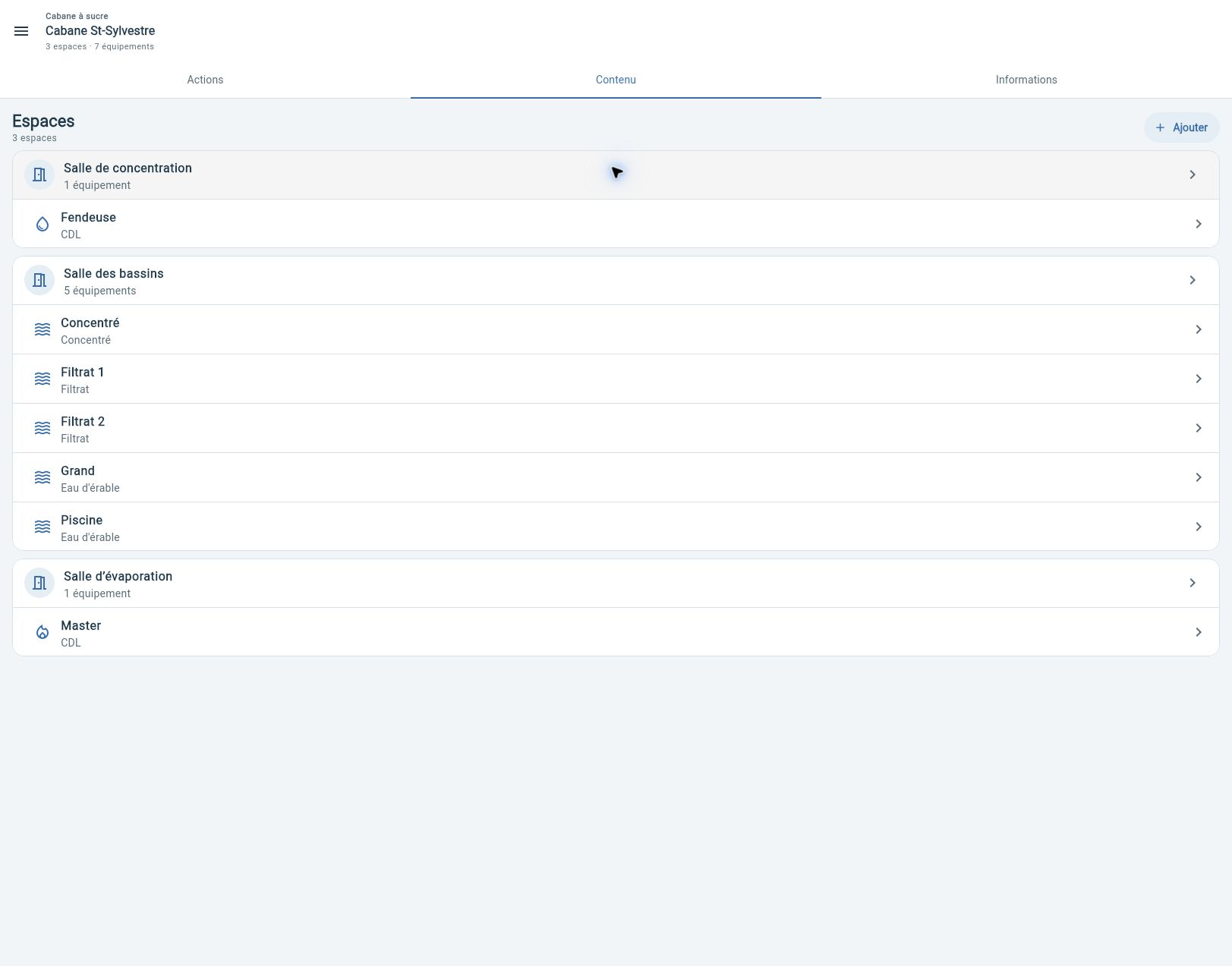
Your equipment, registers and production.
03
Woodlot
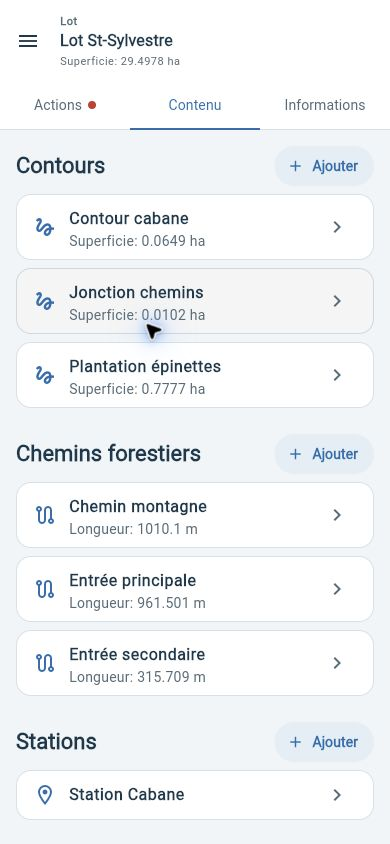
Your boundaries, forest roads and stations.
Actions
What you can do here: open a register, start an import or prepare an operation.
Content
What belongs here: sugar shacks, woodlots, equipment, boundaries, roads or members.
Information
The details that describe the place and help you find it.
↗ EnlargeThe sugar shack organizes spaces and their equipment.
02 / Production and containers
Every barrel has a story.
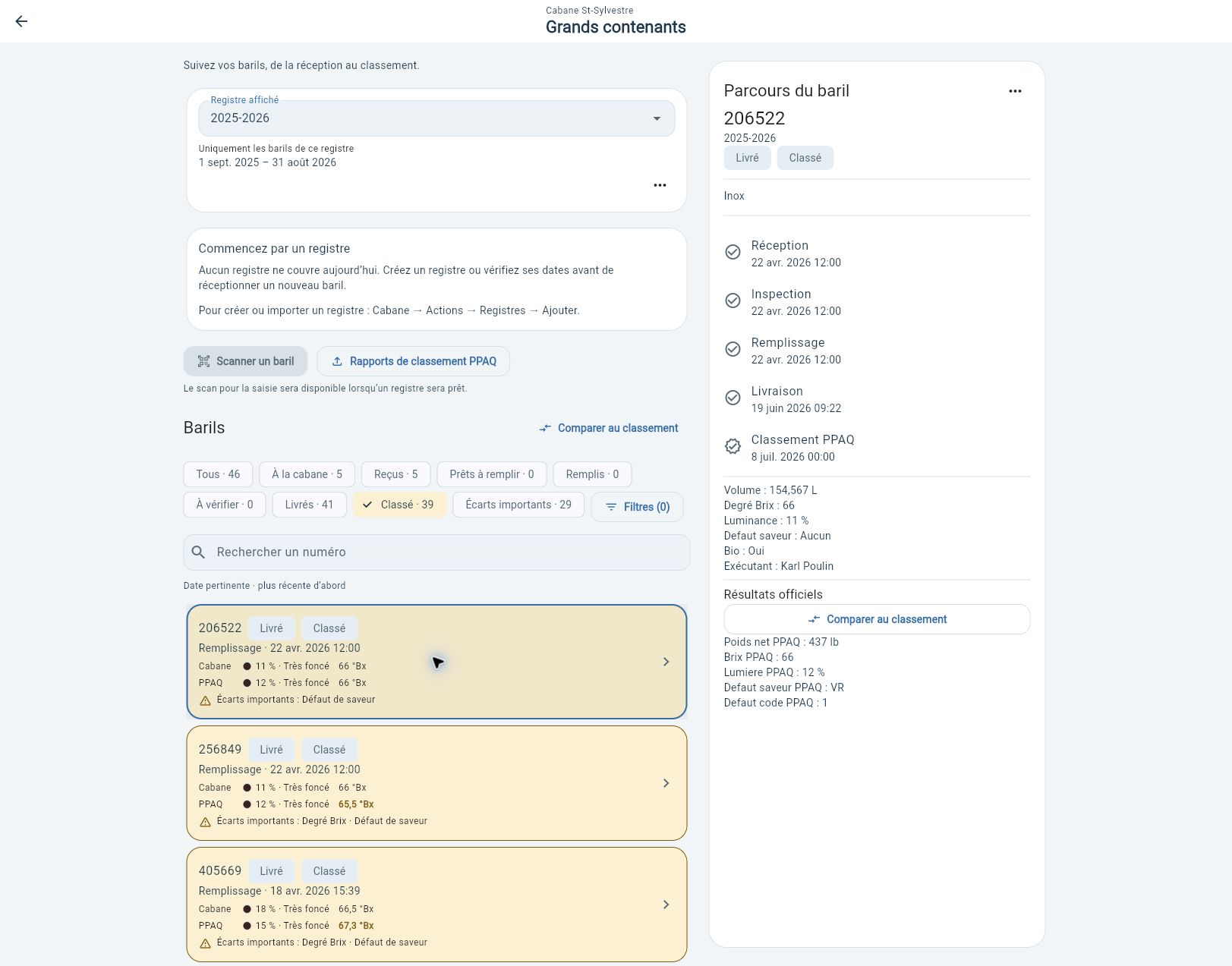
Find containers by register and status, then open their history. Reception, inspection, filling, delivery and grading stay connected to the same barrel.
Filters to find the barrels that need attention.
History and production values in one view.
Official grading accessible from the container.
↗ EnlargeA barrel’s history in a past register. Available actions depend on the active register.
03 / PPAQ comparison
Your measurements. The official results. Side by side.
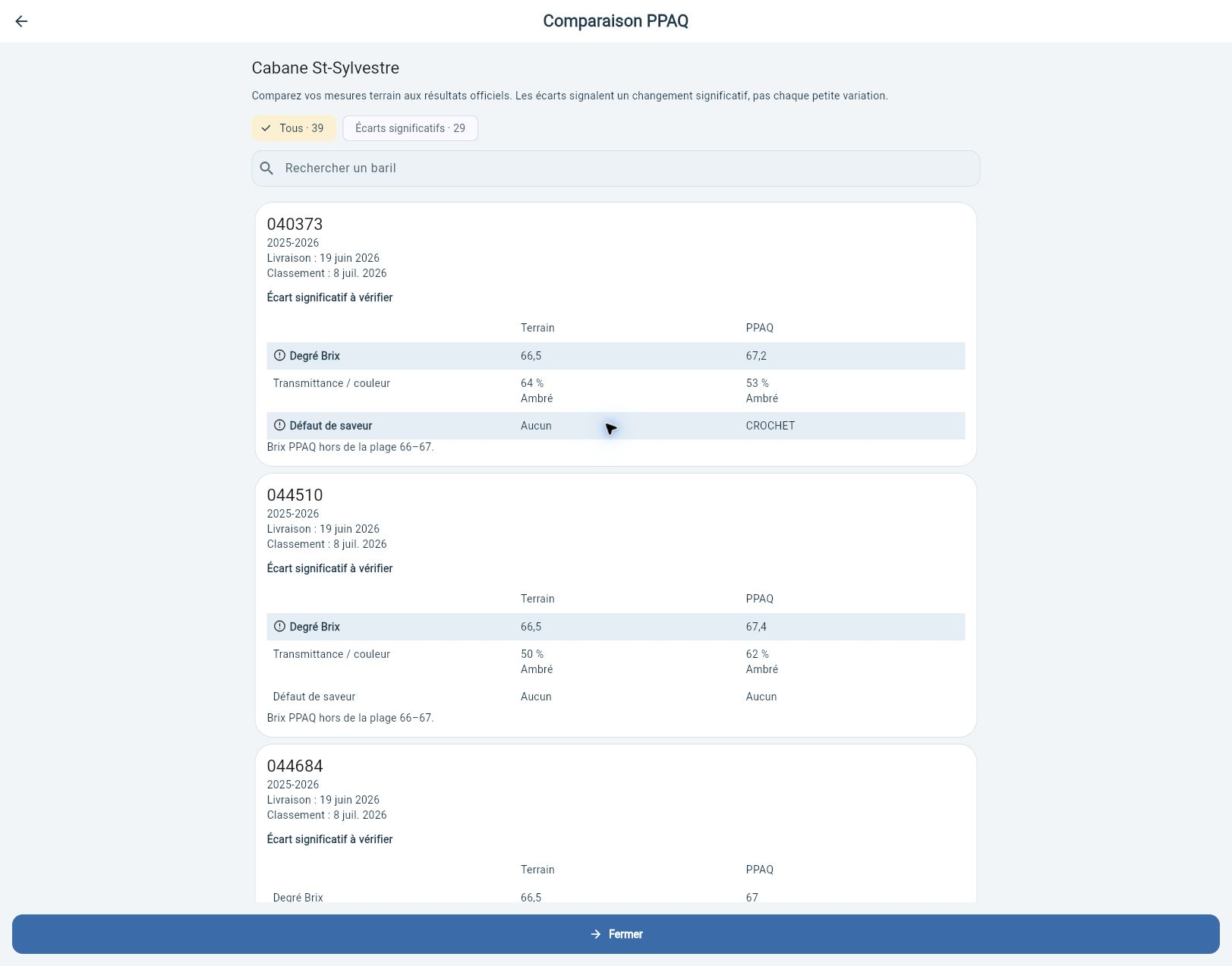
Analysis is part of the barrel workflow. Compare Brix, transmittance and flavour defects; spot significant discrepancies and find delivery and grading dates.
↗ EnlargeThe PPAQ comparison brings field measurements and official results together.
Analysis is presented differently: the detailed comparison replaces the old seasonal analysis screenshots here.
04 / From woodlot to field
Keep your bearings in the woods.
Boundaries, forest roads and stations live in your woodlot’s Content. The map lets you select layers and backgrounds, then recenter the view.
Mobile-sized Web preview — not an Android or iOS screenshot.
Excel and PPAQ imports are performed in the Web app with a subscription, not in the mobile app. Automatic retrieval of public lot data also requires a subscription. Screenshots show entry screens; file steps and results remain to be illustrated.